⚠️ Diese Seite verbindet Sie mit Atovias Partnern und Affiliate-Märkten. Wir können für Aktivitäten über diese Links eine Provision von Affiliate-Partnern erhalten. Rabattangebote können sich jederzeit gemäß den Richtlinien ändern! Seien Sie versichert, es fallen keine zusätzlichen Kosten für Sie an! Wir hoffen, dass Sie dadurch Zeit beim Finden der richtigen Artikel sparen!
Your PC still powers on, but everything feels slower than it should. Apps take longer to load, games stutter, and multitasking feels painful. Many people face this moment and wonder whether an upgrade is worth it or if a full replacement is the only answer. In most cases, a smart hardware upgrade delivers surprising results without wasting money.
🛒 Empfohlenes Produkt
Why Hardware Upgrades Matter Today
Modern software demands more from hardware than it did just a few years ago. Operating systems rely heavily on fast storage, browsers consume large amounts of memory, and creative or gaming workloads stress both CPU and GPU resources. A targeted upgrade often removes the biggest performance bottleneck instead of replacing everything.
The key idea is simple: most PCs feel slow because one component is holding everything back. Identifying that component is the foundation of every successful upgrade.
Source: Manufacturer technical documentation, 2024
Upgrade Planning & Compatibility Check

Before buying any hardware, planning saves both time and budget. Compatibility issues are the most common reason upgrades fail or underperform. Start by checking your motherboard model, supported CPU generation, maximum RAM capacity, and storage interface type.
Power supply capacity and case clearance also matter. High-end GPUs often require more wattage and physical space than older systems can provide. Skipping this step often leads to additional, unplanned purchases.
- Verify motherboard CPU and RAM support
- Check power supply wattage and connectors
- Confirm storage interface (SATA vs NVMe)
- Measure case clearance for GPU upgrades
Source: Manufacturer support guides, 2024
SSD, RAM, GPU: Priority Order Explained
Not all upgrades deliver the same impact. In real-world usage, storage and memory upgrades often outperform CPU changes in perceived speed improvements.
An SSD upgrade dramatically reduces boot times and application loading. Increasing RAM improves multitasking stability. GPU upgrades shine in gaming and professional workloads, but may offer little benefit for office-focused users.
| Component | Main Benefit | Best For |
|---|---|---|
| SSD | Faster boot & load times | All users |
| RAM | Smoother multitasking | Work, browsing, light gaming |
| GPU | Higher graphics performance | Gaming, design, video editing |
Source: Public benchmark reports, 2023
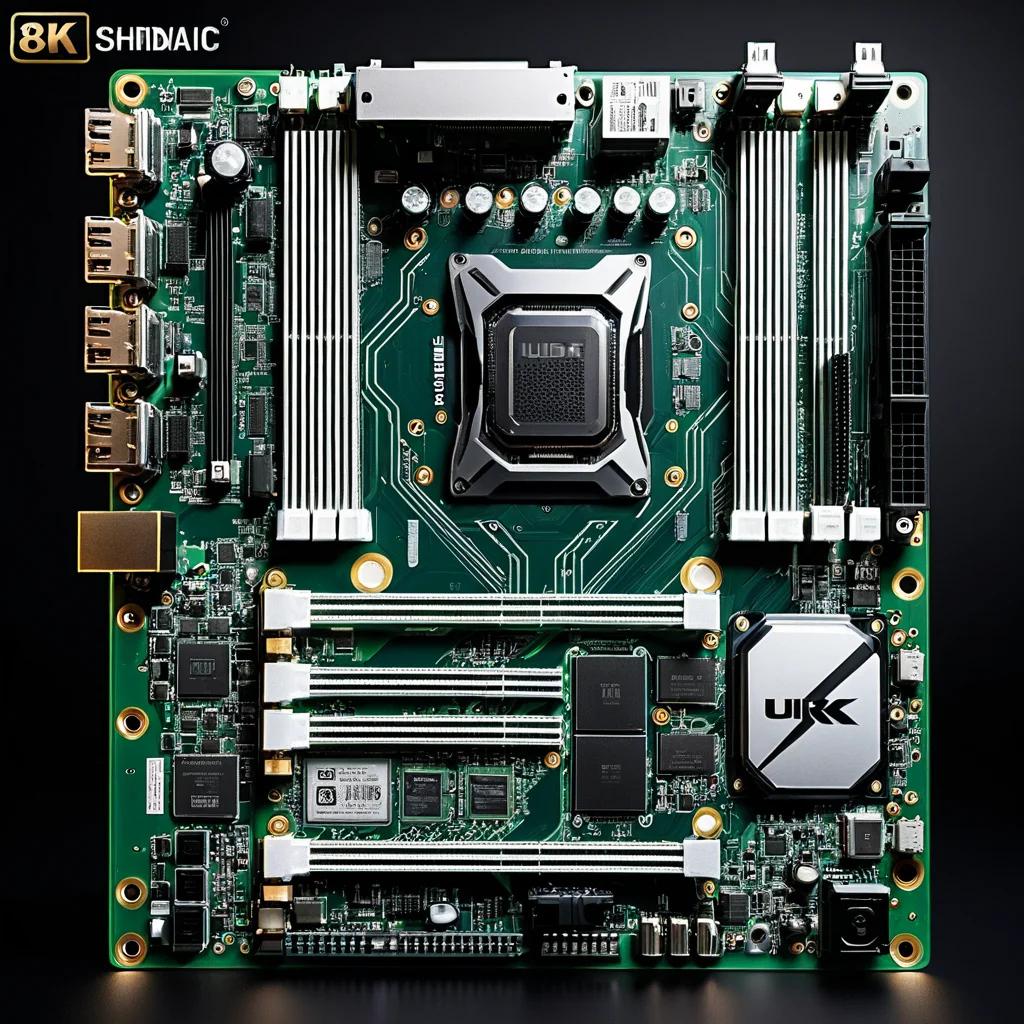
Real-World Performance Gains & Benchmarks
Benchmarks are useful, but real-world experience matters more. Systems upgraded from HDD to SSD typically feel responsive immediately, even without CPU changes. RAM upgrades reduce stutter when switching applications or handling large files.
GPU upgrades show clear gains only when software actively uses graphical acceleration. Without that workload, results remain limited. Matching the upgrade to actual usage is what maximizes value.
Source: Public performance testing organizations, 2023
Common Upgrade Mistakes to Avoid
One frequent mistake is overspending on components that exceed the system balance. Pairing a high-end GPU with an outdated CPU often results in minimal gains. Another issue is ignoring cooling and airflow, which can throttle performance under load.
Finally, skipping BIOS updates or driver support checks can prevent new hardware from running optimally. These small steps often determine whether an upgrade feels successful or disappointing.
Final Checklist Before You Upgrade
Upgrading hardware does not have to be complicated. Focus on the weakest component, confirm compatibility, and align upgrades with actual usage. When done right, even modest changes can make a system feel new again.
Start with storage and memory, evaluate real needs, and upgrade step by step. That approach consistently delivers the best results with the least risk.
Need more practical tech insights?